Simple Steps to Create a Relaxing and Productive Home Workspace
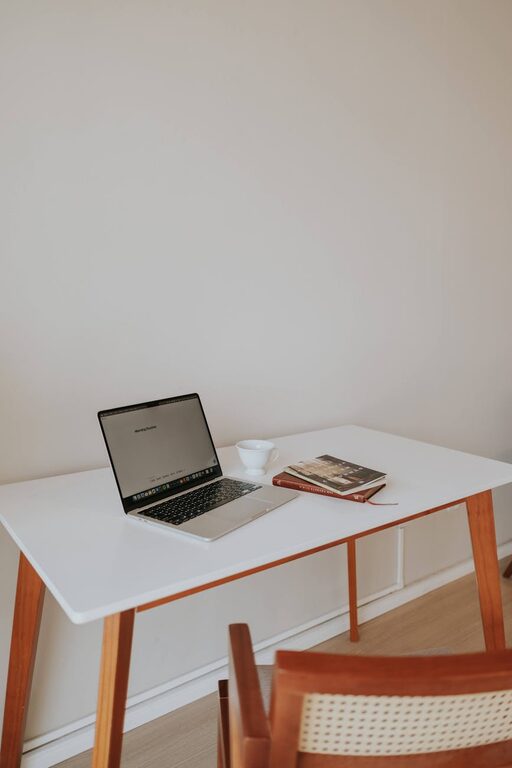
Creating a home workspace that is both relaxing and productive can significantly improve your work-from-home experience. Whether you are setting up a dedicated office or adapting a corner of your living space, the right environment helps you stay focused, reduce stress, and maintain a good work-life balance. Here are some simple yet effective steps to help you design your ideal home workspace.
Choose the Right Location
Finding the perfect spot for your workspace is the first step. Ideally, select a quiet area with minimal distractions.
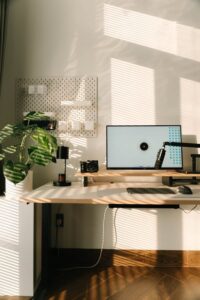
– Natural Light: Position your desk near a window if possible. Natural light improves mood and energy levels.
– Away from Busy Areas: Avoid high-traffic zones such as the kitchen or living room where interruptions are frequent.
– Space to Move: Ensure you have enough room to comfortably arrange your desk, chair, and other work essentials.
Invest in Comfortable Furniture
Comfort is key when you spend long hours working.
– Ergonomic Chair: Choose a chair with good back support, adjustable height, and comfortable cushioning.
– Appropriate Desk Height: Your desk should allow you to work with your forearms parallel to the floor.
– Adjustable Accessories: Consider a footrest or monitor stand to improve posture and reduce strain.
Keep It Organised
A clutter-free area helps clear your mind and enhances focus.
– Storage Solutions: Use shelves, drawers, or filing cabinets to keep documents and supplies tidy.
– Daily Declutter: Spend five minutes at the end of each day to put things back in place.
– Minimal Desk Setup: Only keep items you use daily on your desk, such as your computer, notepad, and a pen.
Personalise Your Space
Adding personal touches makes your workspace more inviting and inspiring.
– Plants: Indoor plants improve air quality and create a calming atmosphere.
– Artwork or Quotes: Hang pictures or motivational quotes that inspire you.
– Colour Choices: Use soothing colours like soft blues, greens, or neutral tones to promote relaxation.
Optimise Lighting
Good lighting reduces eye strain and keeps you alert.
– Layered Lighting: Combine natural light with overhead and task lighting to avoid shadows and glare.
– Desk Lamp: Use an adjustable desk lamp to direct light exactly where you need it.
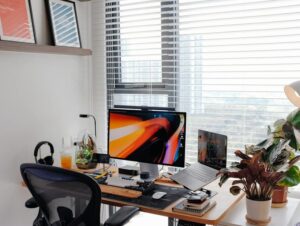
– Avoid Screen Glare: Position your monitor at right angles to windows and light sources.
Manage Noise Effectively
While some background noise may be helpful, too much can be distracting.
– Noise-Cancelling Headphones: Useful if your environment tends to be noisy.
– White Noise Machines or Apps: These can mask distracting sounds with soothing sounds like rain or wind.
– Soft Furnishings: Carpets, cushions, and curtains reduce echo and absorb noise.
Establish Daily Routines
Creating structure helps boost productivity and reduces stress.
– Set Working Hours: Decide your start and finish times to maintain boundaries.
– Breaks: Take regular short breaks to stretch and rest your eyes.
– Task Lists: Write down daily goals to keep you focused and on track.
Technology Tips
Using the right tech tools can enhance your workflow.
– Reliable Internet: Ensure a stable internet connection to avoid disruptions.
– Ergonomic Keyboard and Mouse: These can prevent repetitive strain injuries.
– Cable Management: Use clips or ties to keep cords organised and out of the way.
Maintain Air Quality
Fresh air promotes better concentration and wellbeing.
– Ventilation: Open windows regularly to let in fresh air.
– Air Purifiers: If natural ventilation is limited, consider an air purifier.
Final Thoughts
Creating a relaxing and productive home workspace is about balancing comfort, functionality, and personal style. By choosing a good location, staying organised, managing lighting and noise, and setting routines, you can enjoy a space that supports your work and wellbeing. Small changes in your environment can make a big difference to how much you enjoy working from home. Start with these simple steps and tailor your workspace to fit your needs perfectly.